
Description
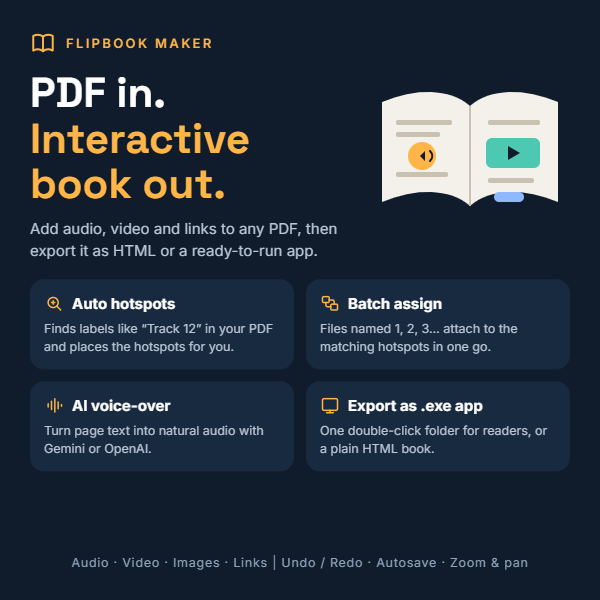
Flipbook Maker turns any PDF into an interactive flipbook with sound, video, images and links, and it does the repetitive work for you.
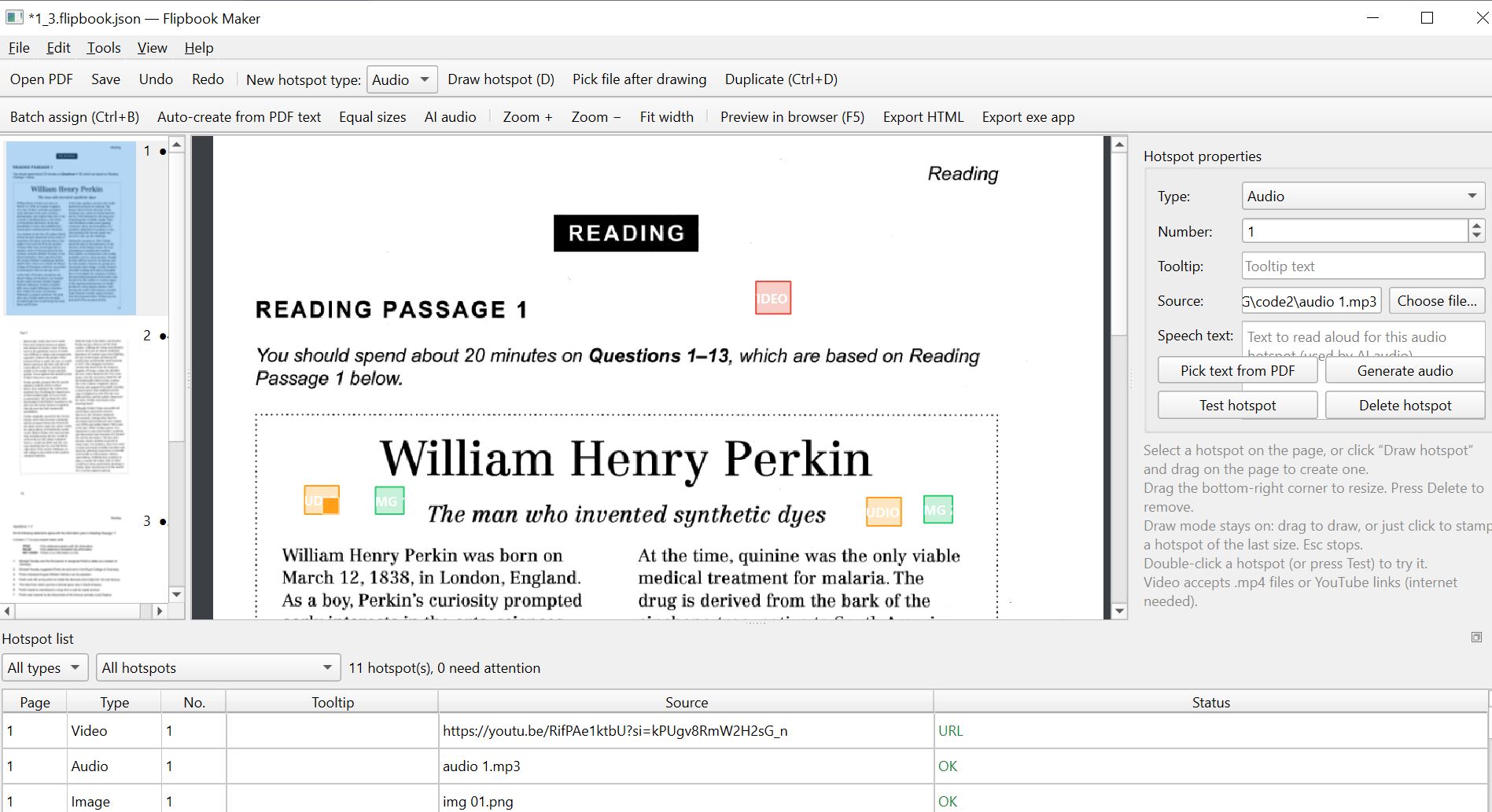
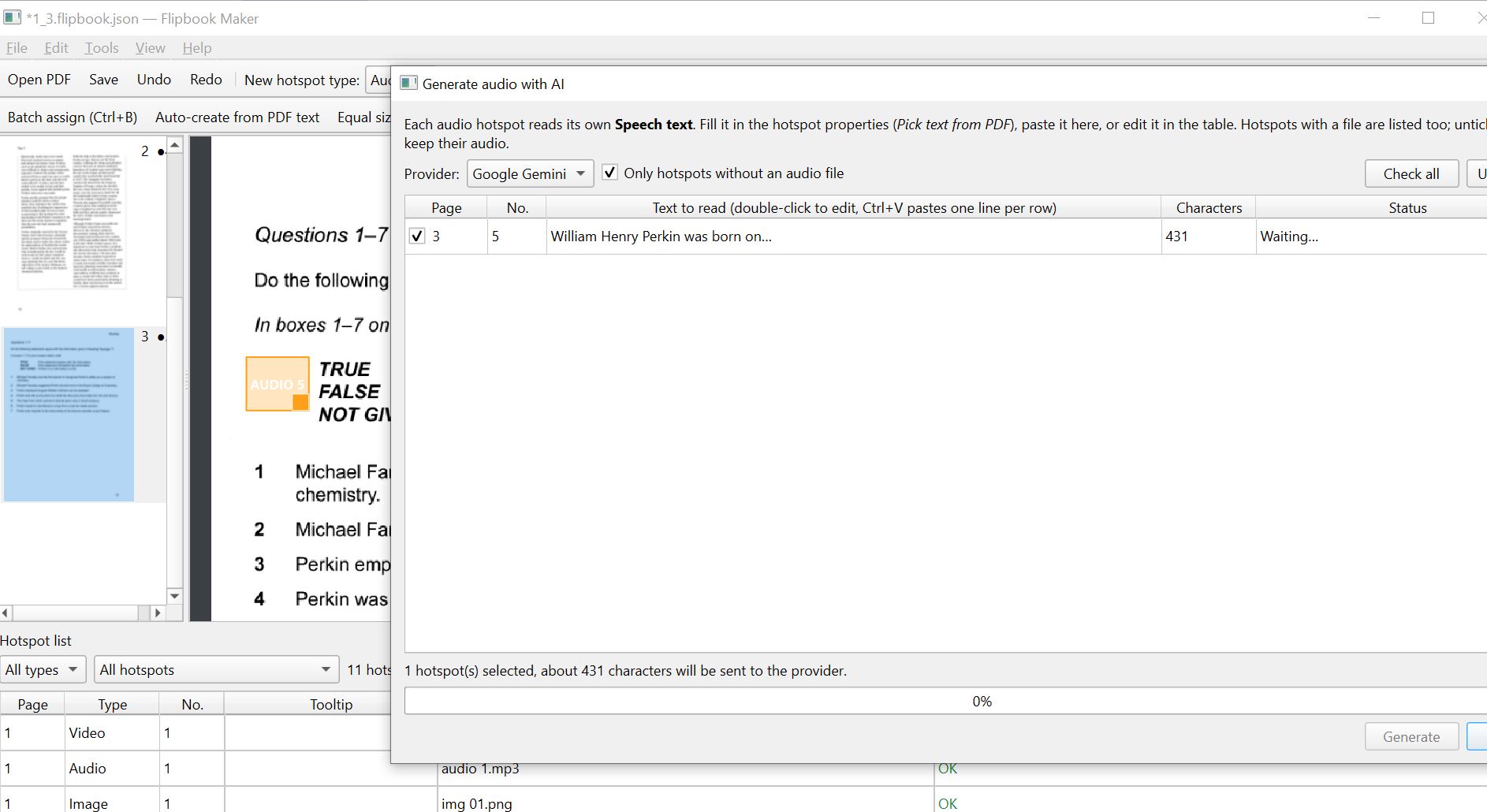
Most flipbook tools make you place and label every hotspot by hand. Flipbook Maker is built to save you that time. Auto-create hotspots scans your PDF for labels such as “Track 12” or “Audio 5”, then places and numbers the hotspots on the right pages automatically. Batch assign matches whole folders of audio, video or image files to numbered hotspots using the number in each file name, with name patterns and page ranges so every unit can be filled separately. Need a voice but have no recording? AI audio reads the text you pick from the page, using Gemini or OpenAI with your own API key, and attaches the finished MP3 for you.
Editing stays quick and safe. Change numbers, tooltips and sources directly in a hotspot table, paste a whole column at once, give every hotspot the same size with one click, copy hotspots across pages, and rely on undo, redo and autosave. Files in unusual formats such as AVI are converted automatically, and linked audio and images are downloaded, so your book keeps working offline. Your projects are saved as simple files on your own computer.
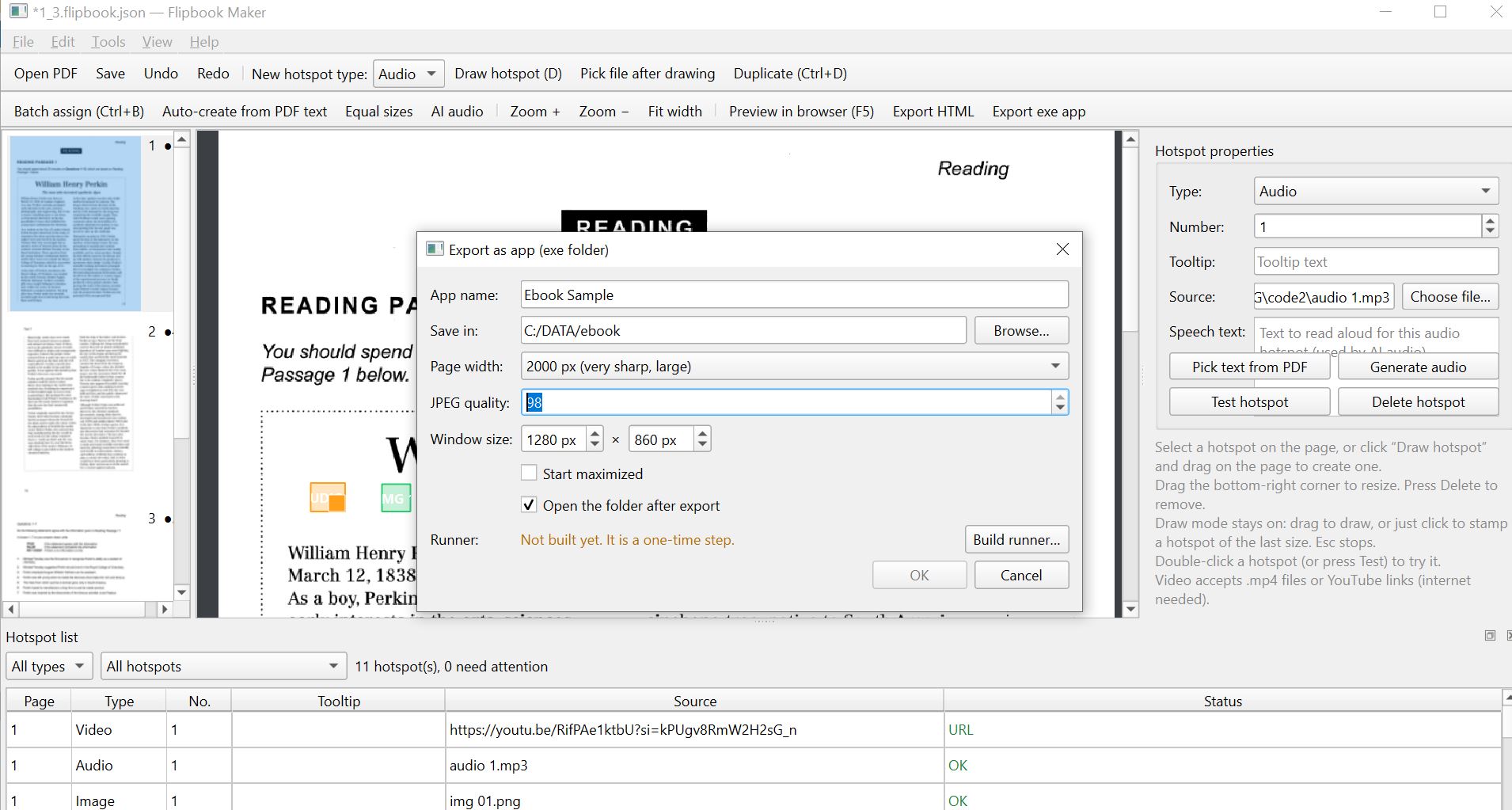
When you finish, export an HTML book, or a standalone app folder with its own .exe that opens the book in a dedicated window, ready to share with students or customers on Windows. Readers enjoy page turning, zoom and pan, a built-in audio player with play, pause and seek, and picture and video pop-ups. Only YouTube links and AI voice generation need an internet connection.
Perfect for teachers, authors and publishers of language textbooks, workbooks and children’s books, and for any PDF that deserves to be heard and explored.



Reviews
There are no reviews yet.